⏱️ Do It Now
Create a OneNote Page and copy this into the title:
Lesson 4 - Summer Term 2 - Fun With Classes
Copy this into a OneNote Page and complete it
|
📝 Do It Now |
|
Answer each of the following: (1) What HTML element do we use to create a flex-box?
(2) Explain why we might wish to use flex-boxes when developing webpages
(3) Identify the CSS property used to make the content appear side-by-side
|
🎯 Learning Objectives
- LO1: We will learn what a CSS class is
- LO2: We will be able to apply a CSS class to a selection of elements on a webpage
- LO3: We will be able to create styles to be applied to all elements within a particular class
🔎 Fun With CSS Classes
Your teacher will show you how different CSS classes can be used to control groups of elements on a webpage
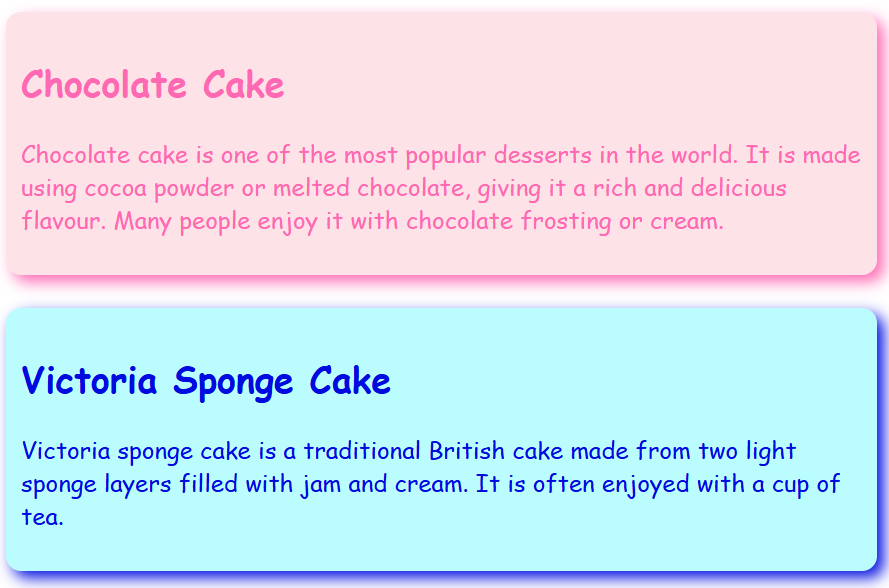
Alternatively...
🎥 Watch THIS VIDEO to see the same demonstration
📝 Independent Activity
Copy this into your OneNote Page and complete it
|
📝 Independent Activity - Fun With Classes |
|
Instruction:
Continue working on your own website project - see if you can apply any of the skills you have learned today. |